
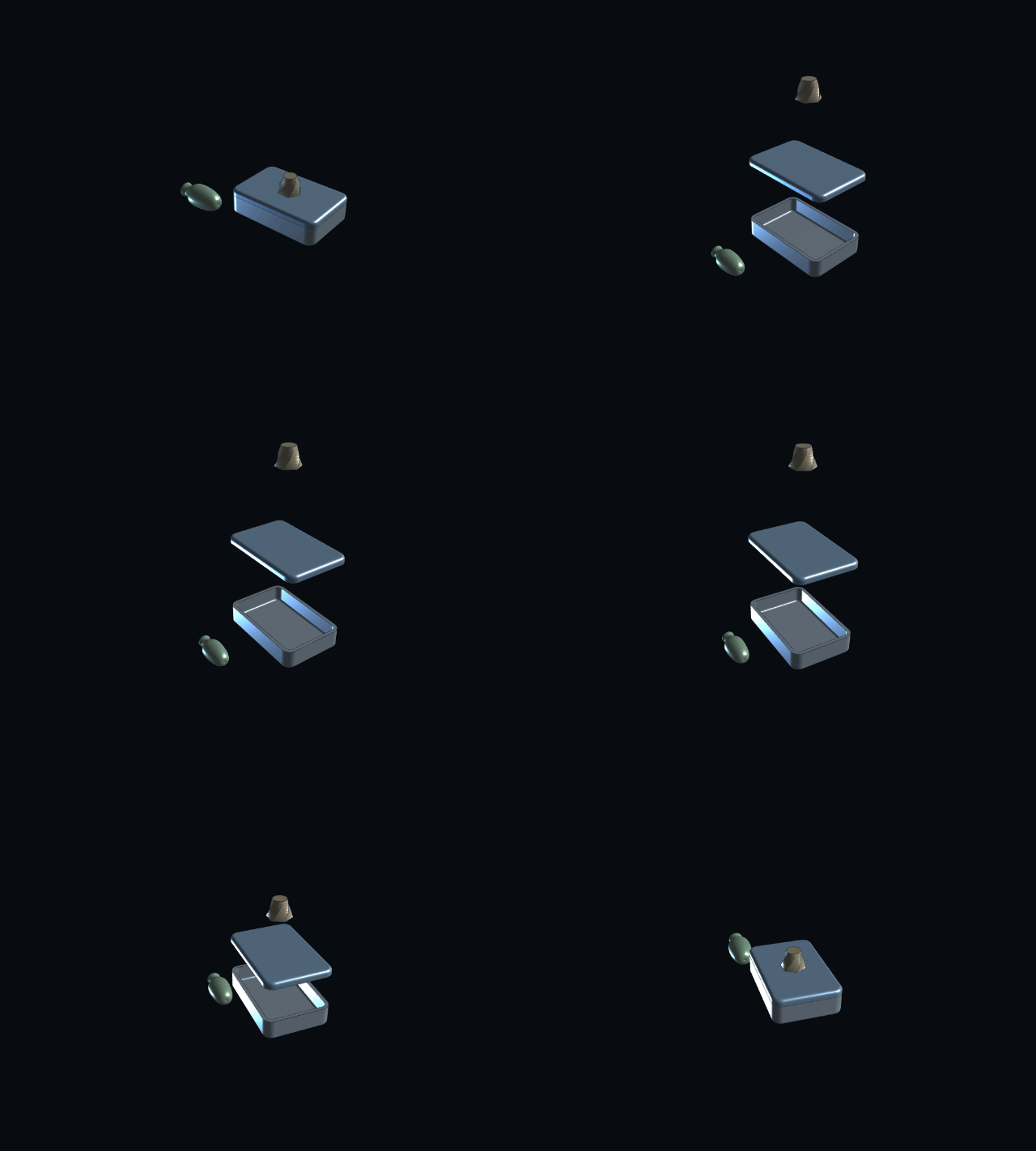
Recorded by BHX CAD's own Rec button.
What it does
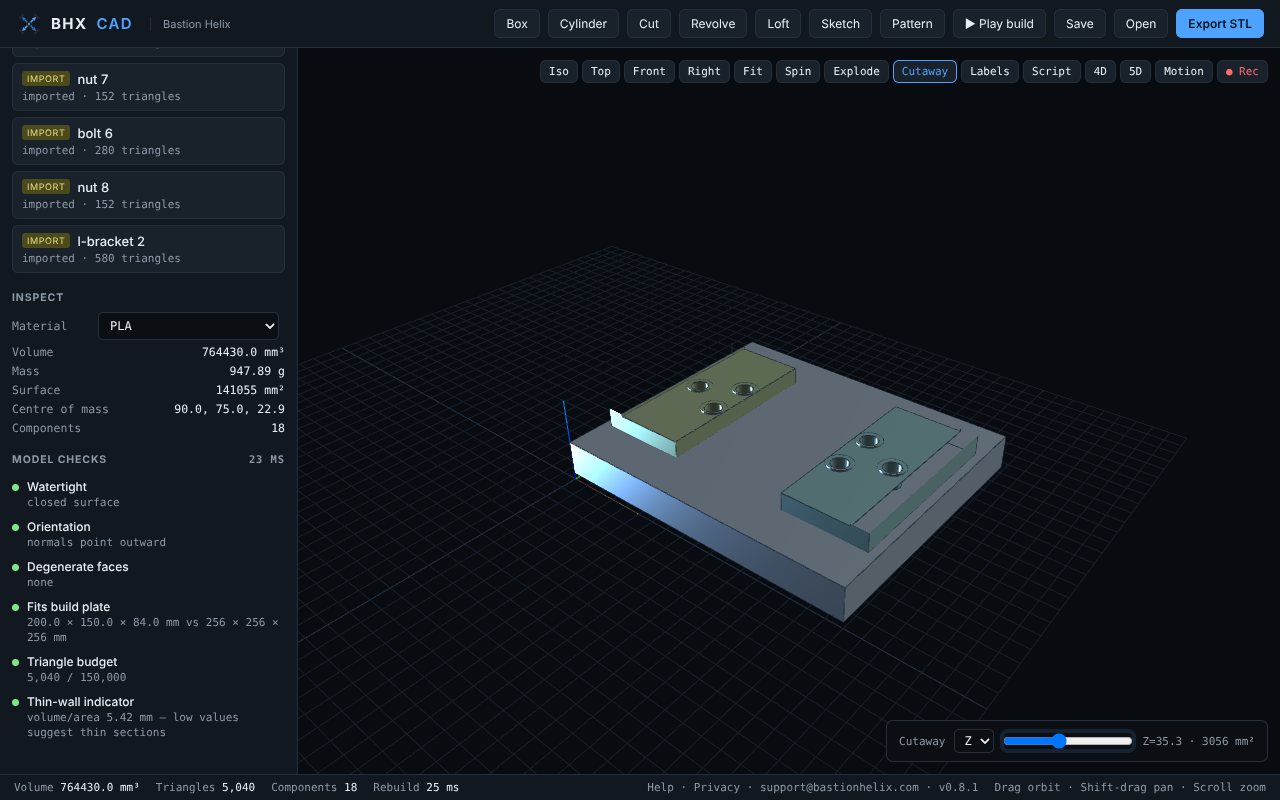
- Opens other CAD files: STL, OBJ, 3MF, STEP, IGES and BREP. Each part of an assembly becomes its own component.
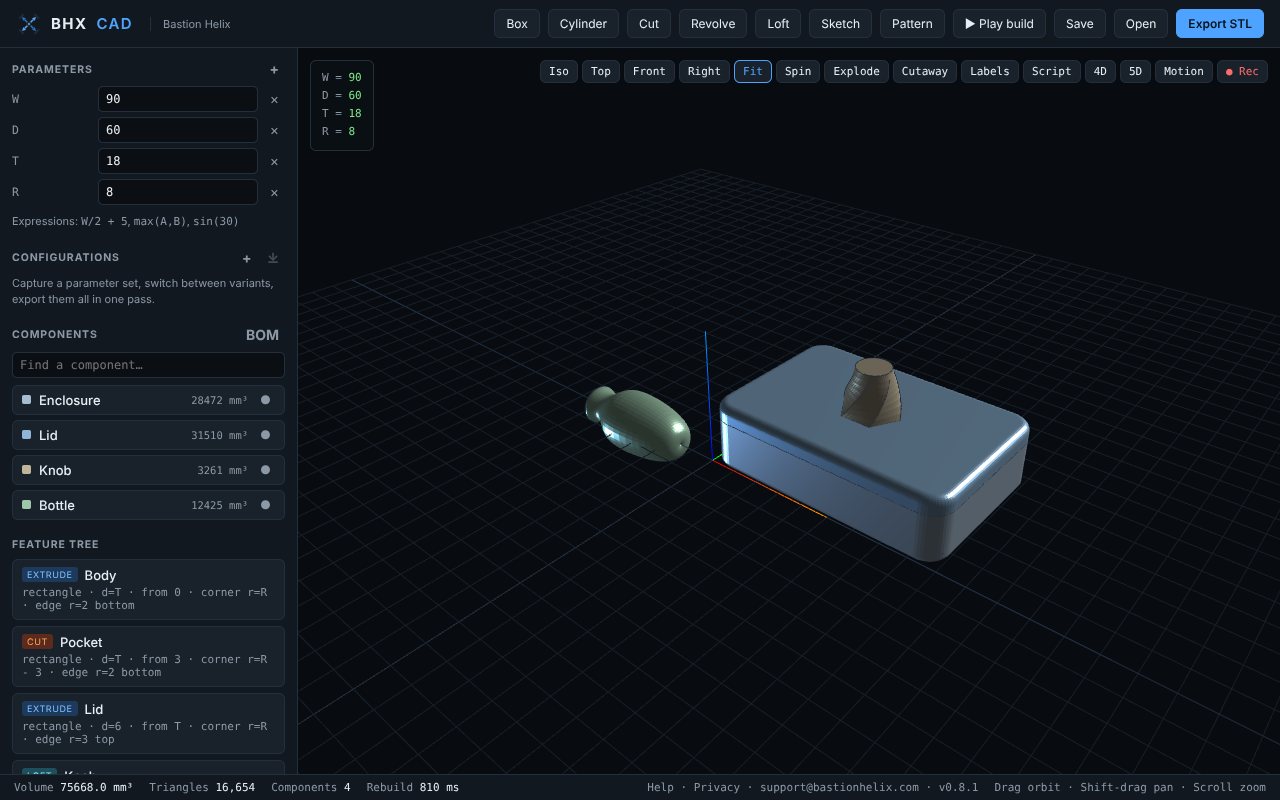
- Models parts: boxes, cylinders, cuts, revolves, patterns and lofts with twist, driven by parameters such as
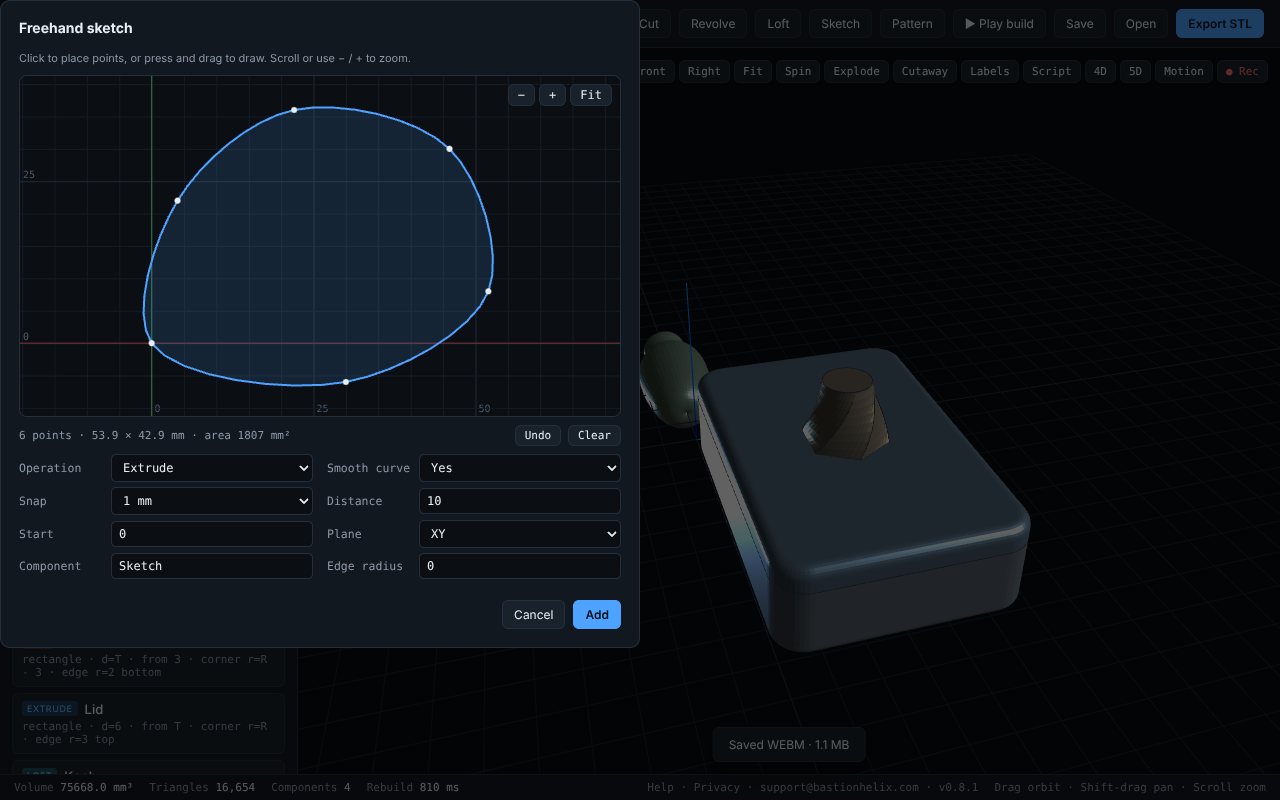
W/2 + 5. Rounded corners, and filleted or chamfered top and bottom edges. - Freehand sketch pad: click points or draw a line, smooth it into a curve, then extrude, cut or revolve it.
- Checks the model: volume, mass for ten materials, centre of mass, surface area, cutaway sections, watertight check and whether it fits a 256 mm 3D-printer bed.
- Assemblies: exploded views, labels, bill of materials (CSV), and joints that turn or slide.
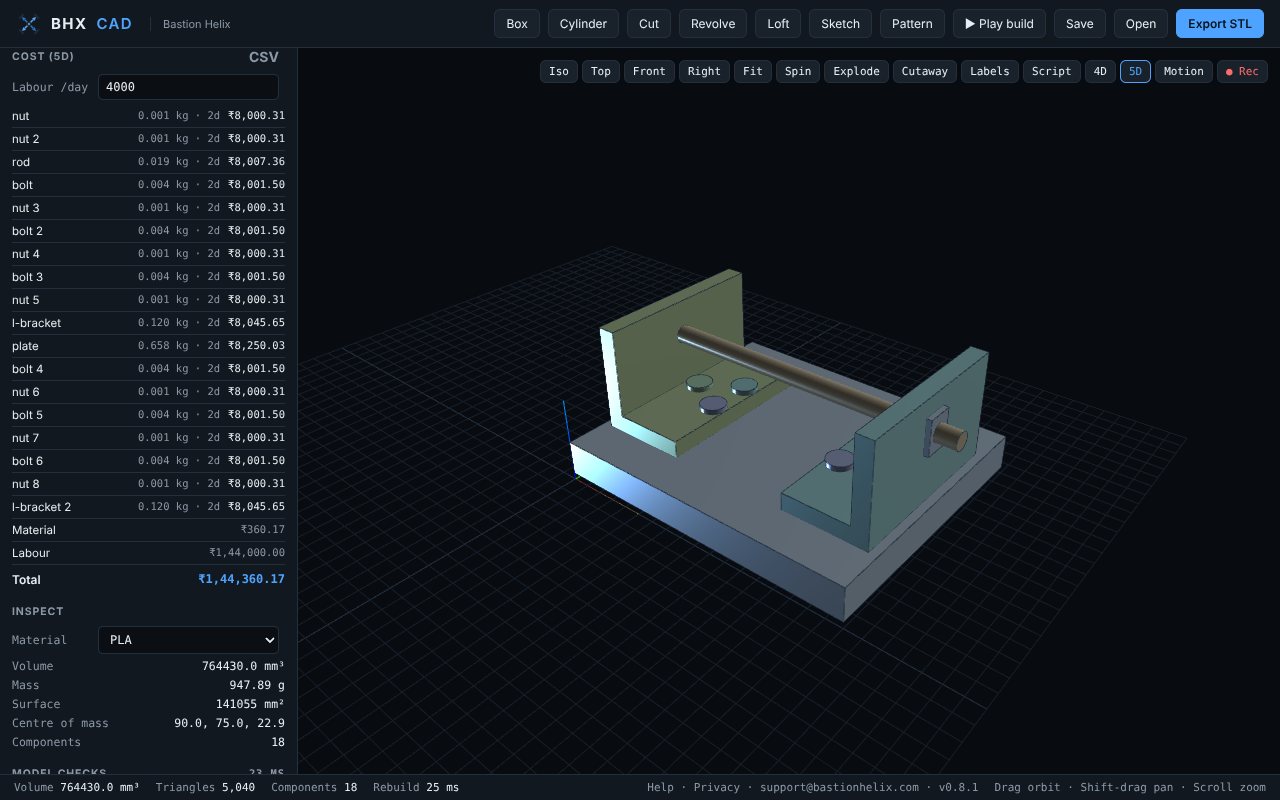
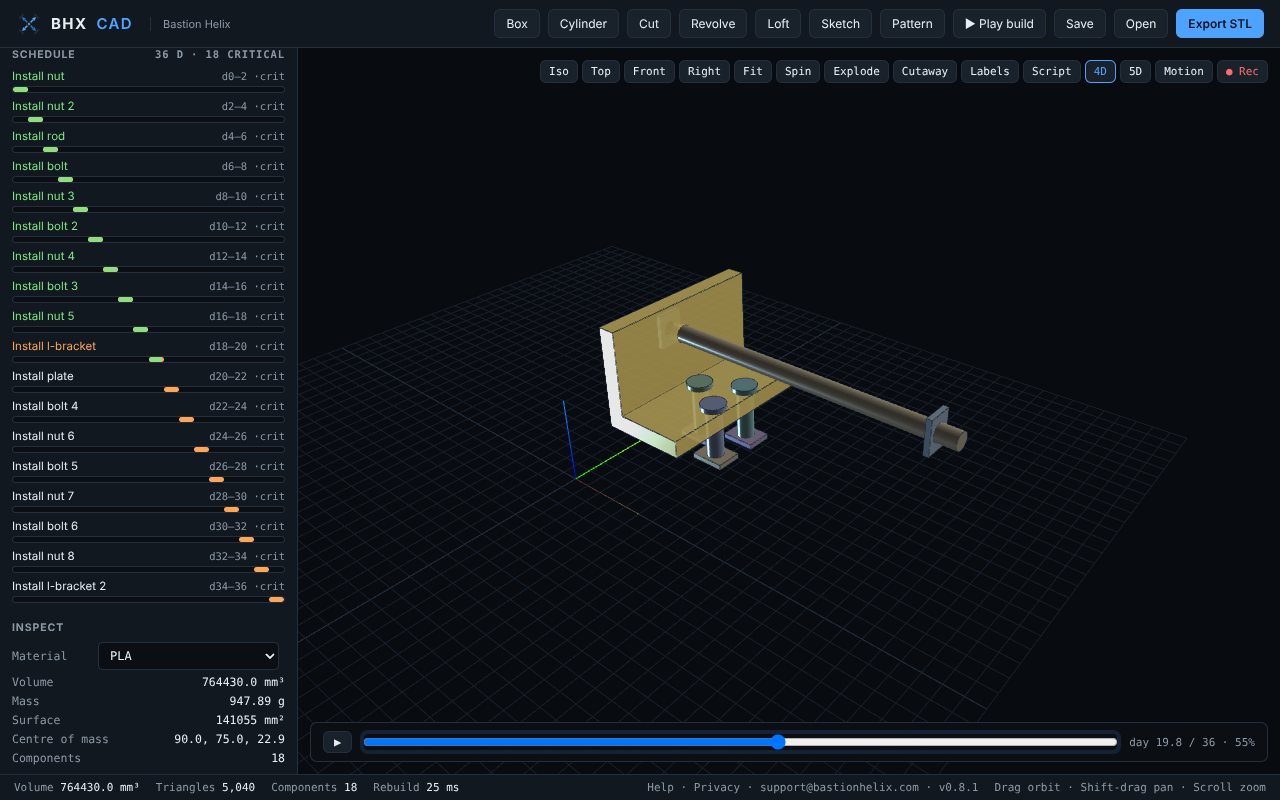
- 4D and 5D: a build schedule with critical path that shows the model appearing over time, and a cost estimate in rupees (₹): material from each part's geometry plus labour from the schedule, exported as CSV.
- Exports STL for 3D printing, and saves your design as a
.bhx.jsonfile on your computer.
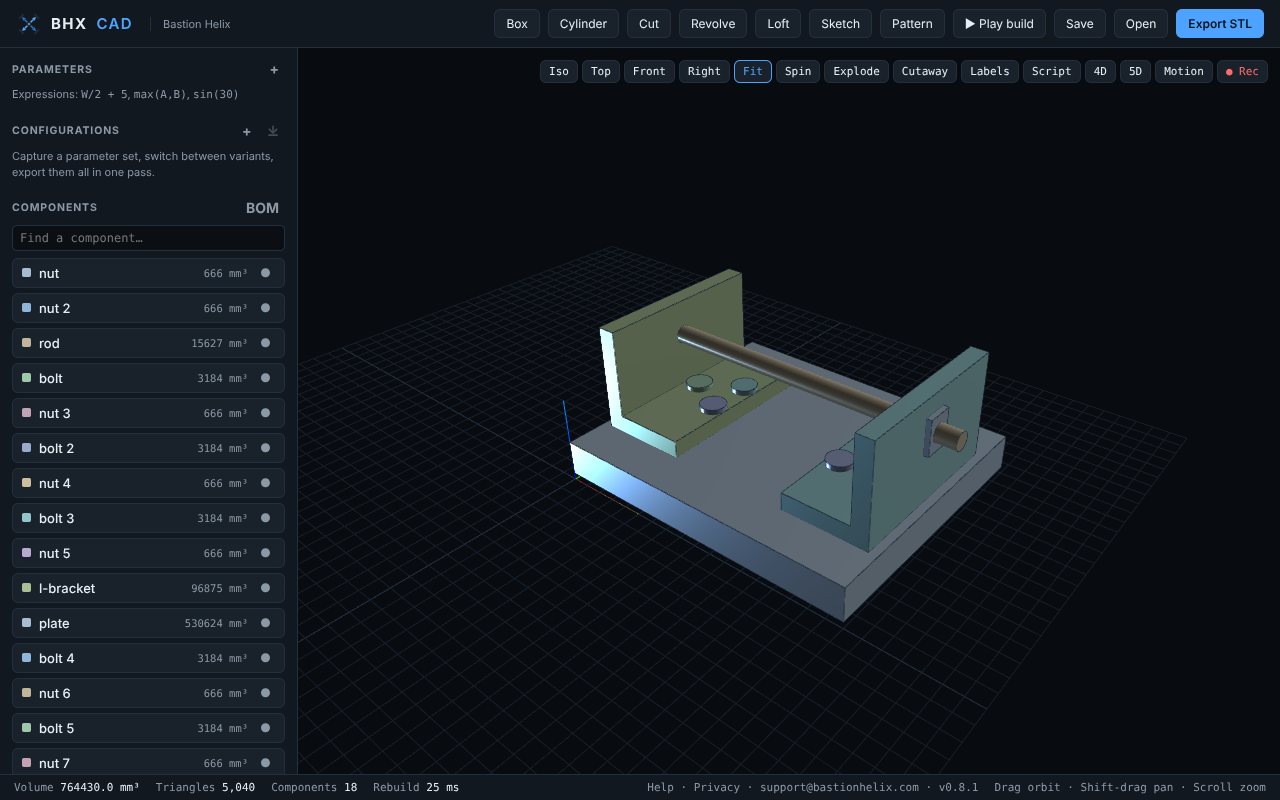
Using Autodesk Fusion files
- In Autodesk Fusion, export your design as STEP or STL.
- In BHX CAD, press Open and pick the file. A multi-part STEP file opens with each part as its own component.
- Choose a material under Inspect for mass. Press 5D for cost, 4D for the build schedule, Explode to pull parts apart, or Rec to record a clip.
Opened parts are triangle meshes: you can move, scale and cut into them, and they count in cost, schedule and checks, but their original Fusion features can't be edited here. A STEP file that only points to other files (rather than containing the parts) can't be opened.
Video and GIF clips
The Rec button records the 3D view: a 360° turntable, an explode and back, the build playing step by step, the 4D timeline, moving joints, or anything you do until you press Stop. Save it as MP4 or WebM video (whichever your browser can record: recent Chrome, Edge and Safari offer MP4, Firefox offers WebM) or as a GIF.
What it doesn't do
- It exports STL only, not STEP or IGES.
- Fillets go on the top and bottom edges of a part and on its outline's corners, not on any edge you pick.
- No drawings, no assembly mates, no sweep along a path.
- Cost rates are in rupees (₹); labour per day can be changed, material prices per kg can't yet.
- It needs a browser with WebGL (any current Chrome, Edge, Firefox or Safari).
Privacy
BHX CAD works entirely in your browser. There is no account, no upload, no analytics and no cookies, and the app stores nothing in your browser: close the tab and only the files you saved remain. The BHX CAD privacy policy has the details.
Support
Email support@bastionhelix.com. Say what you were doing, which browser you use, and attach the file if you can. Security issues go to security@bastionhelix.com.
Open-source notices
- three.js r128, MIT licence (licence), is built into the app.
- occt-import-js 0.0.23 and Open CASCADE Technology, GNU LGPL 2.1 (occt-import-js licence, Open CASCADE licence), read STEP and IGES files. They sit in a separate file, bhx-step-reader.js, which the app loads only when you open a STEP or IGES file, and which can be replaced with your own build. Source: github.com/kovacsv/occt-import-js and dev.opencascade.org.
Autodesk and Fusion are registered trademarks or trademarks of Autodesk, Inc. BHX CAD is made by Bastion Helix and is not made, sponsored or endorsed by Autodesk.